 RawMask Studio
Photo editor for iPhone, iPad and Mac
RawMask Studio
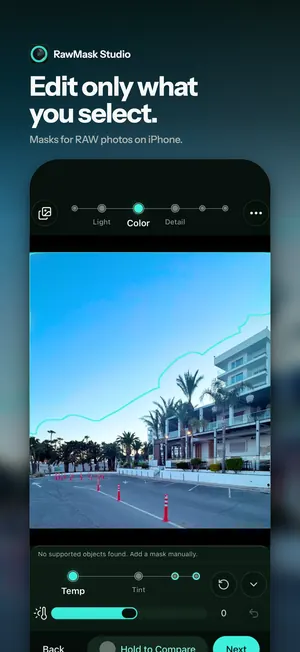
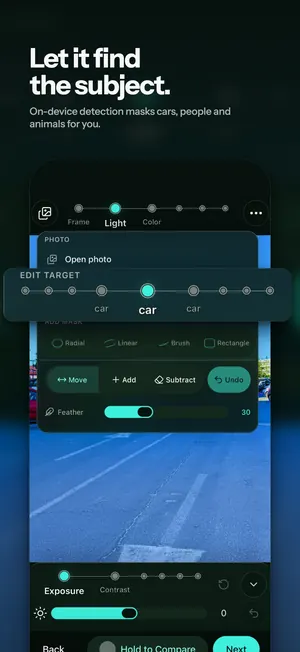
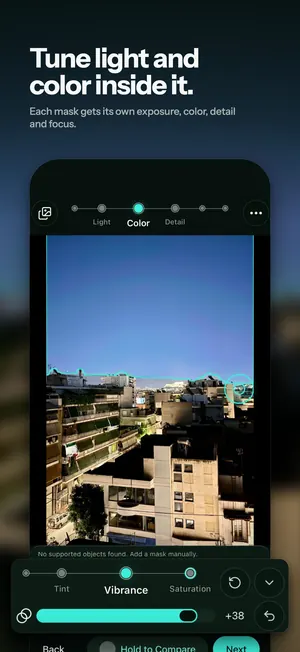
Pick a subject or draw a mask, then tune light, color, detail and blur in just that area. Works with RAW, ProRAW, JPEG and HEIC, all on your iPhone, iPad or Mac.

Screenshots
New in version 1.2.0
RawMask Studio now runs on iPad and Mac as well as iPhone. It is one free app for all three, and every edit still happens on your device.
-
Now on iPad
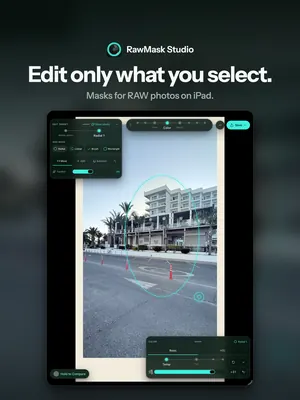
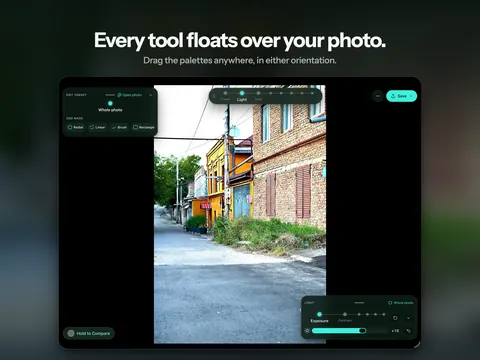
The photo fills the screen and the tools float over it as palettes you can drag anywhere, in portrait and landscape.
-
Now on Mac
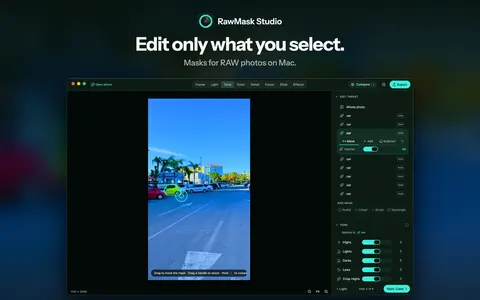
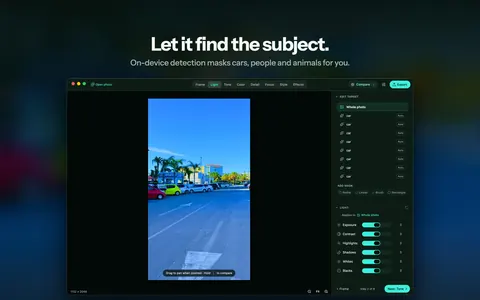
The steps sit in the toolbar and the inspector beside the photo holds the masks and sliders. Zoom in to check fine detail, and export to a file as JPEG, HEIF or TIFF.
-
New Tone step
A tone curve for highs, lights, darks and lows, and crisp local contrast for highs, mids and lows.
-
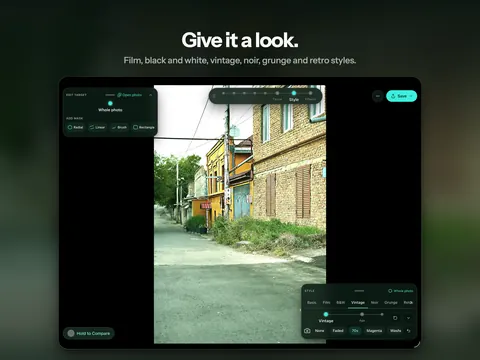
New Style step
HDR, Drama, Glow, Bloom, Halation and Aberration, plus the Film, B&W, Vintage, Noir, Grunge and Retro looks.
-
HSL color
Hue, chroma and lightness for eight color bands, right in the Color step.
-
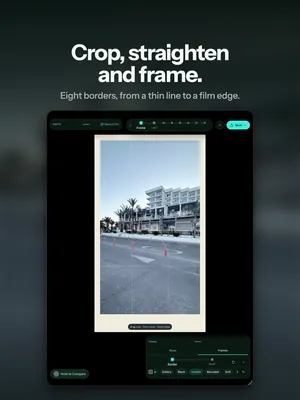
More framing and effects
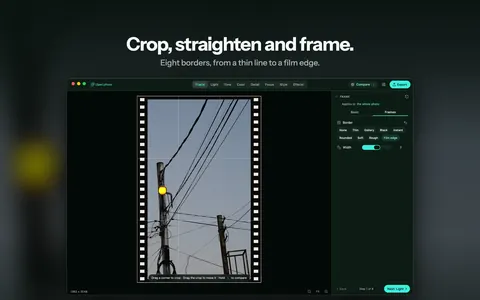
Perspective, edge fill and eight borders in Frame, and vignette size, shape and softness in Effects.
What you can do
Edit the whole photo, or just the part you choose. RawMask Studio is a RAW photo editor built around masks: pick a detected subject or draw your own mask, then change the light, color, detail and focus of just that area while the rest of the image stays untouched. It opens RAW and ProRAW files as well as everyday JPEG and HEIC photos, and every edit happens right on your iPhone, iPad or Mac.
-
Masks for selective edits
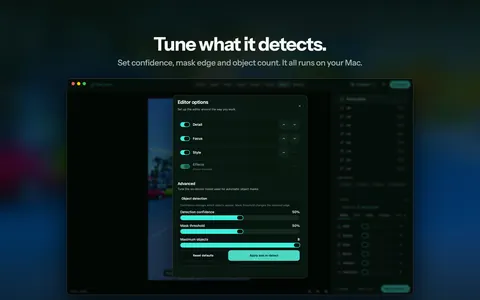
- Automatic masks: on-device detection finds subjects such as people, cars and animals and turns them into ready-to-edit masks
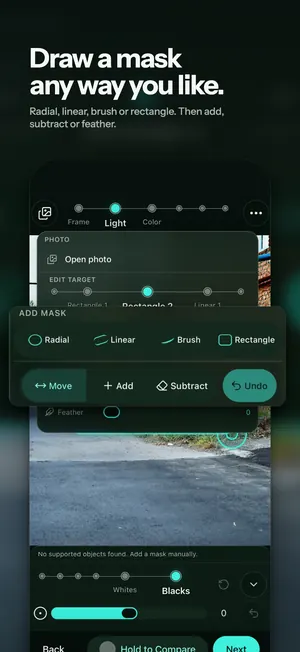
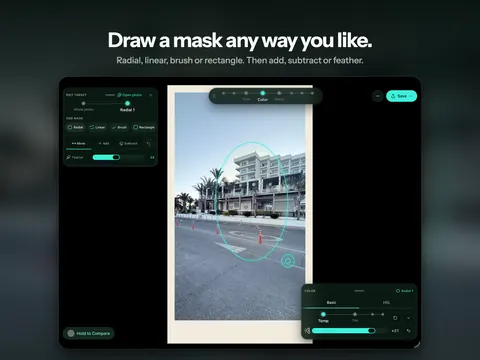
- Manual masks: radial, linear (gradient), brush and rectangle
- Refine any mask with the Add and Subtract brushes
- Soften the edge with Feather for smooth, natural transitions
- Give every mask its own light, color, detail and focus adjustments
-
RAW, ProRAW, JPEG and HEIC
- Pick photos straight from your Photos library with the system picker
- Edit RAW and ProRAW captures with the same tools as regular photos
-
A clear, step-by-step workflow
- Frame: crop, straighten, rotate, aspect ratios, zoom and perspective, plus edge fill and borders
- Light: exposure, contrast, highlights, shadows, whites and blacks
- Tone: a tone curve for highs, lights, darks and lows, and crisp local contrast for highs, mids and lows
- Color: temperature, tint, vibrance and saturation, plus HSL hue, chroma and lightness for eight color bands
- Detail: texture, clarity, dehaze, sharpness and noise reduction
- Focus: background blur with strength, range, feather and bokeh
- Style: HDR, Drama, Glow, Bloom, Halation and Aberration, plus the Film, B&W, Vintage, Noir, Grunge and Retro looks
- Effects: vignette with size, shape and softness, grain and fade
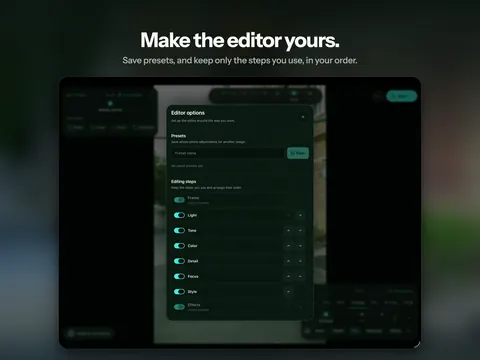
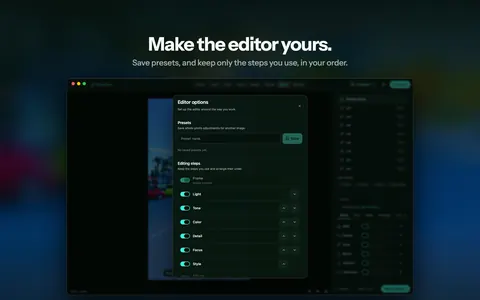
- Reorder or hide steps in Editor options to match the way you work
-
Compare and reuse
- Hold to Compare to check before and after at any moment; on a Mac, hold the \ key
- Save whole-photo adjustments as a Preset and apply it to another photo
-
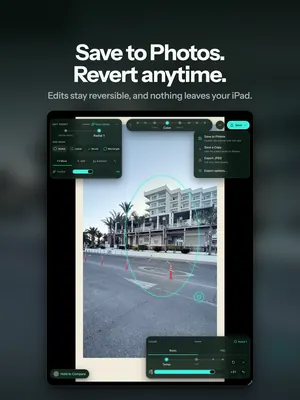
Save without losing the original
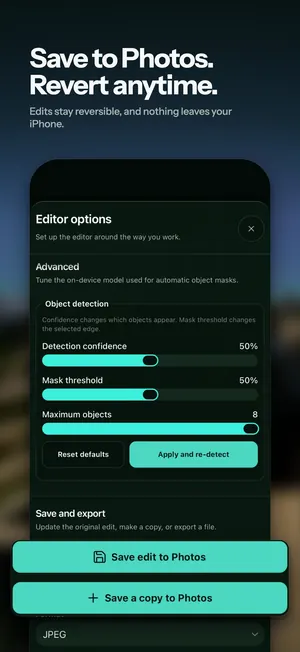
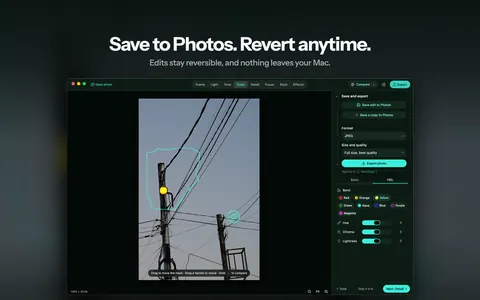
- Save edit to Photos is non-destructive: the original stays intact and you can revert the edit in Photos anytime
- Save a copy to Photos to keep the edited version as a new photo
- Export as JPEG, HEIF or TIFF, through the share sheet on iPhone and iPad or to a file on the Mac
-
Private by design
- No account, no sign-in and no ads
- Editing and subject detection run entirely on device, so your photos are never uploaded
- Free on iPhone, iPad and Mac, with no in-app purchases
Open a photo and edit all of it, or pick one part and make it shine.
Requirements: iPhone with iOS 17 or later, iPad with iPadOS 17 or later, or a Mac with Apple silicon and macOS 14 or later.
Questions or problems? Visit the support page. Details about how the app handles your photos are in the privacy policy.